Buying Crypto via SBP: the Fastest Way to Pay in Rubles
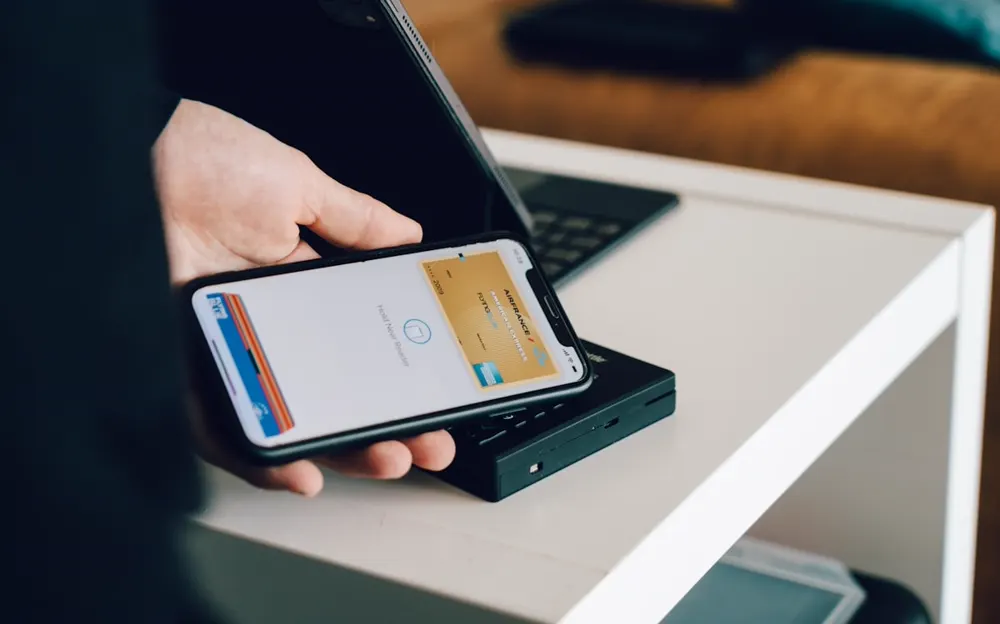
SBP is the Bank of Russia’s Faster Payments System. A transfer between banks takes seconds and works around the clock, weekends included. For buying crypto this means something simple: the payment is credited at once, and the coins follow.
But speed is not the main thing. The main thing is who you pay. Below is how paying a company via SBP differs from a transfer to a private person, how the purchase works and where people most often slip up.
Paying a company or a transfer by phone number
Via SBP you can do two very different things.
| What you do | Who receives your rubles | What matters |
|---|---|---|
| Payment using the details from a service’s order | A company | The rate and amount are known before payment, the deal leaves an order |
| A transfer to a phone number sent to you in a chat | A private person | You do not know whose money or whose account it is — the risk of the “triangle” and questions from the bank |
An exchange service where you pay a company never asks you to send money to a private person by phone number. If that is exactly what you are offered, stop. More in our article on transfer scams. What Rosfinmonitoring sees in SBP transfers — in our article on SBP and Mir transfers.
How to buy crypto via SBP at Ruber
- Choose the coin and network. In the calculator — USDT, USDC, BTC or ETH. Enter the amount in rubles.
- See the rate before paying. The rate for buying USDT is the Bank of Russia rate plus 3.5%, with the markup already in the rate. The network fee is shown on a separate line.
- Enter your wallet address. No wallet yet? You can set one up in 10 minutes with our step-by-step guide.
- Complete the identity check. It is mandatory for everyone — more in the identity check answers.
- Pay via SBP from your bank app — only using the details from the order and only from your own account.
- Receive the coins in your wallet. An SBP payment is credited at once and the coins follow. The deal leaves an order with its number, rate and amount.
The exchange works around the clock and automatically — no need to wait for an operator.
Payment methods
| Method | How you pay | When it is credited |
|---|---|---|
| SBP | From your bank app using the order details | Usually at once |
| Visa or Mastercard card | With a card in your name | Usually at once |
| SberPay, MTS Dengi | From the app | Usually at once |
At Ruber, Mir cards work only for payouts. The form shows the exact list of methods after you choose the direction.
Limits
By card — from 12 dollars in rubles and up to 15,500 dollars per operation. The form shows the exact limits for each method once you choose it. Also keep your bank’s limits in mind: many banks cap SBP transfers per day or per month — you can see this in the app settings.
Where people slip up most often
- Paying from someone else’s account. The payment must come from your account or a card in your name — otherwise it will not go through.
- Sending money to a phone number from a chat. Payment details are only in the order. A “manager” who sends a number in a messenger is a sign of fraud.
- Choosing the wrong wallet network. USDT on TRC-20 will not arrive at an ERC-20 address. Choose the network explicitly.
- Paying a different amount. The amount in the bank must match the amount in the order.
Frequently asked questions
How long until the coins arrive after an SBP payment?
An SBP payment is credited at once and the coins follow. After that it depends on the network: a USDT transfer usually takes minutes, while bitcoin waits longer for network confirmations.
Is there a fee for SBP?
You see the total amount to pay in the order before confirming. If your bank charges for transfers above its limits, it will show the fee in the app before sending.
Can I pay via SBP from a relative’s card?
No. The payment is accepted only from your account or a card in your name.
Questions left — message the operator on Telegram.